Installation Guide
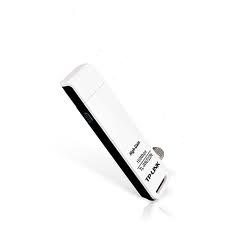
PCI CARD / USB
1. Insert the CARD/ USB device in the PCI/ USB port of the computer.
2. Insert the CD in the drive and run the appropriate drivers with the model name.
3. It will install the device driver in your computer.
4. After installation an icon, “TP-LINK Wirless” shall appear on the desktop.
5. Click the icon to start TP-LINK software interface. Go to Profile management .
6. Click scan from the “profile management”
7. Click on FAST NET
To check the data rate you are getting click on the statistics tab. The continuous graph shows the data rate for uplink and downlink
For any assistance call our helpline.... 0333-5518189.......0344/5033226
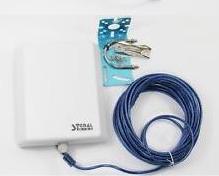
Out Door Equipment (Antenna+ Device)